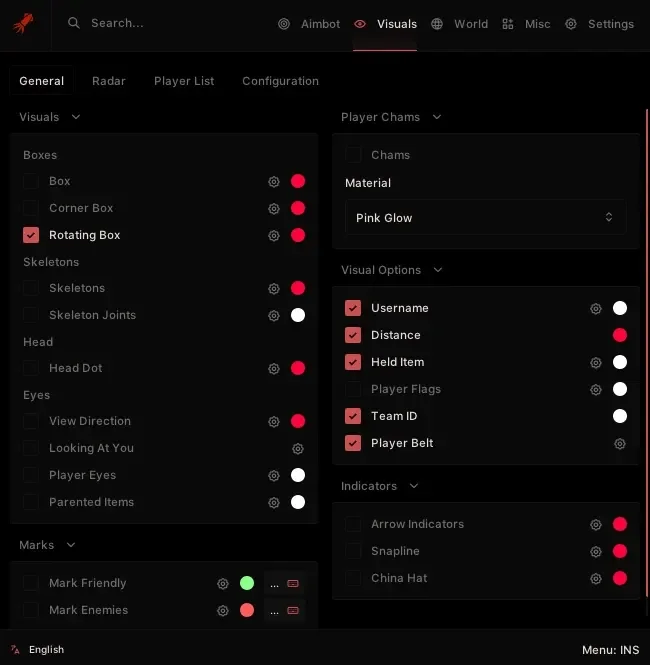
Launch the Loader (Ensure your games and anti cheats are closed and disabled)
Login into your account with the same credentials you used on the panel
Select the game you want to play
Click Launch to start the injecting process
Wait for the Loader to fully complete the process (This may take a few moments.)
Once you see the green checkmark you are ready to go
Ensure the loader has fully exited before proceeding.
6. Open the Game
After the injection is fully completed, open Rust.
Once you see a message box saying "Press OK to inject in game" wait for the game to fully load and then press it after fully loaded into the main menu.
Don't press it before time or else it might fail.
If the menu disappears after joining the server, hit OK after connecting to a server instead of the main menu.
if you continue to have issues click the link below
https://calamari-1.gitbook.io/calamari-setup/download/download-loader

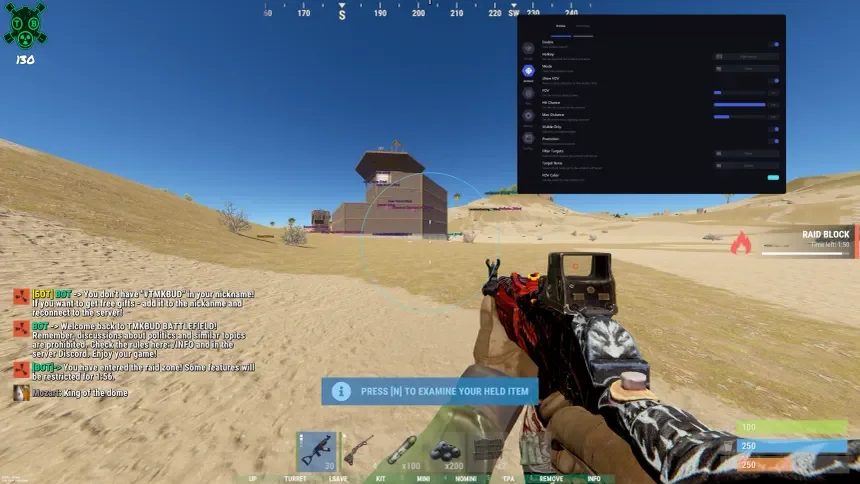
Supports all versions of Windows 10 and 11. AMD and Intel Processors
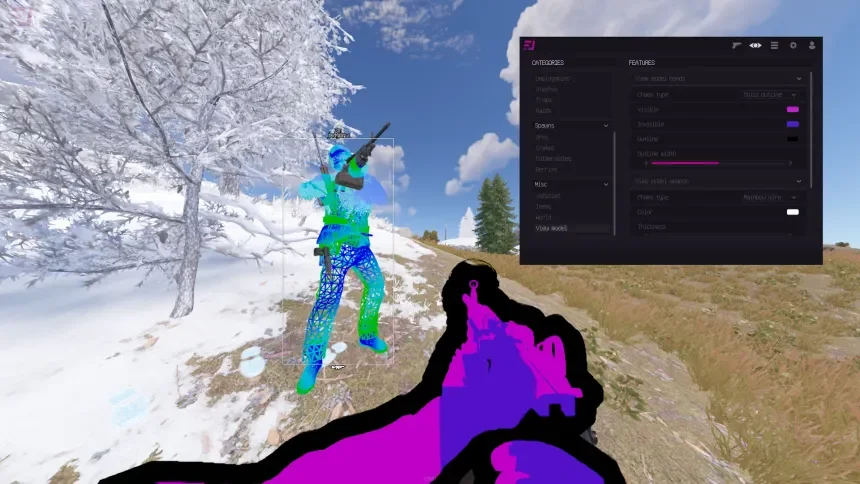
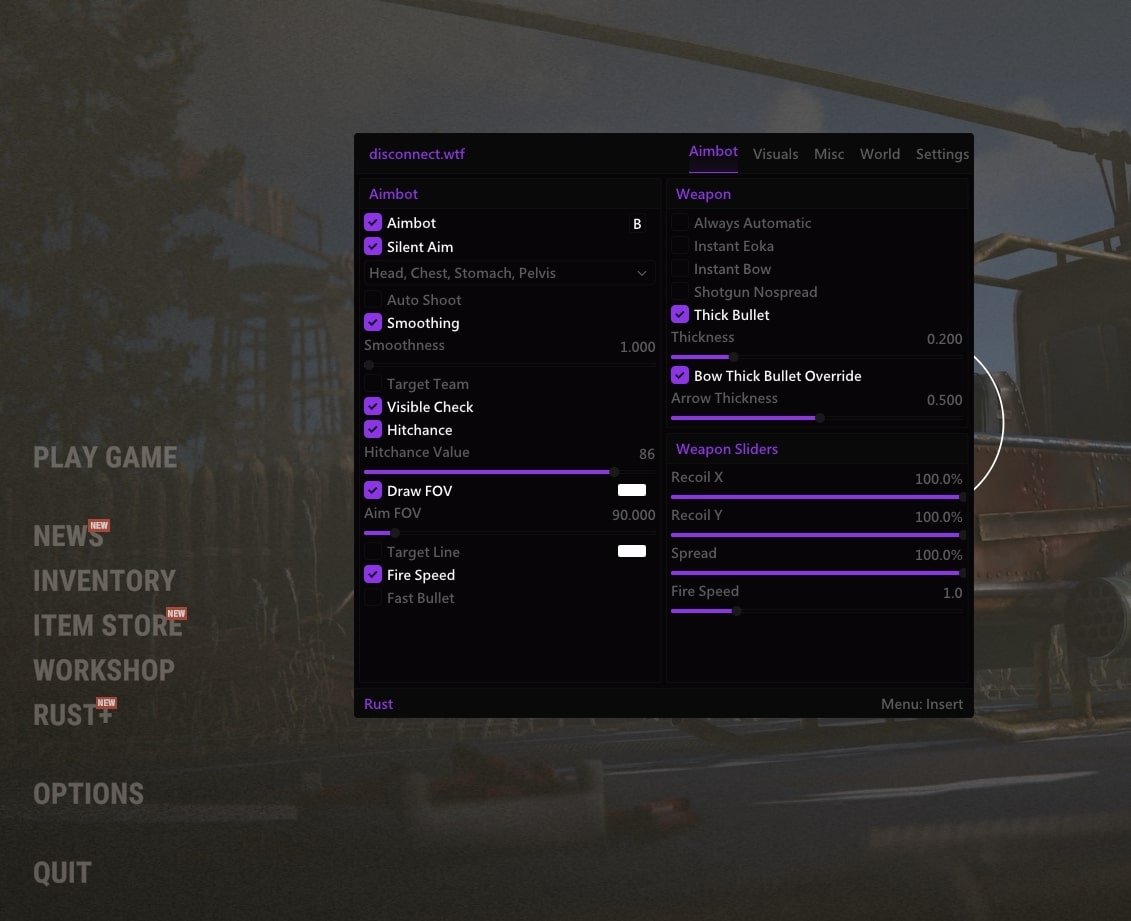
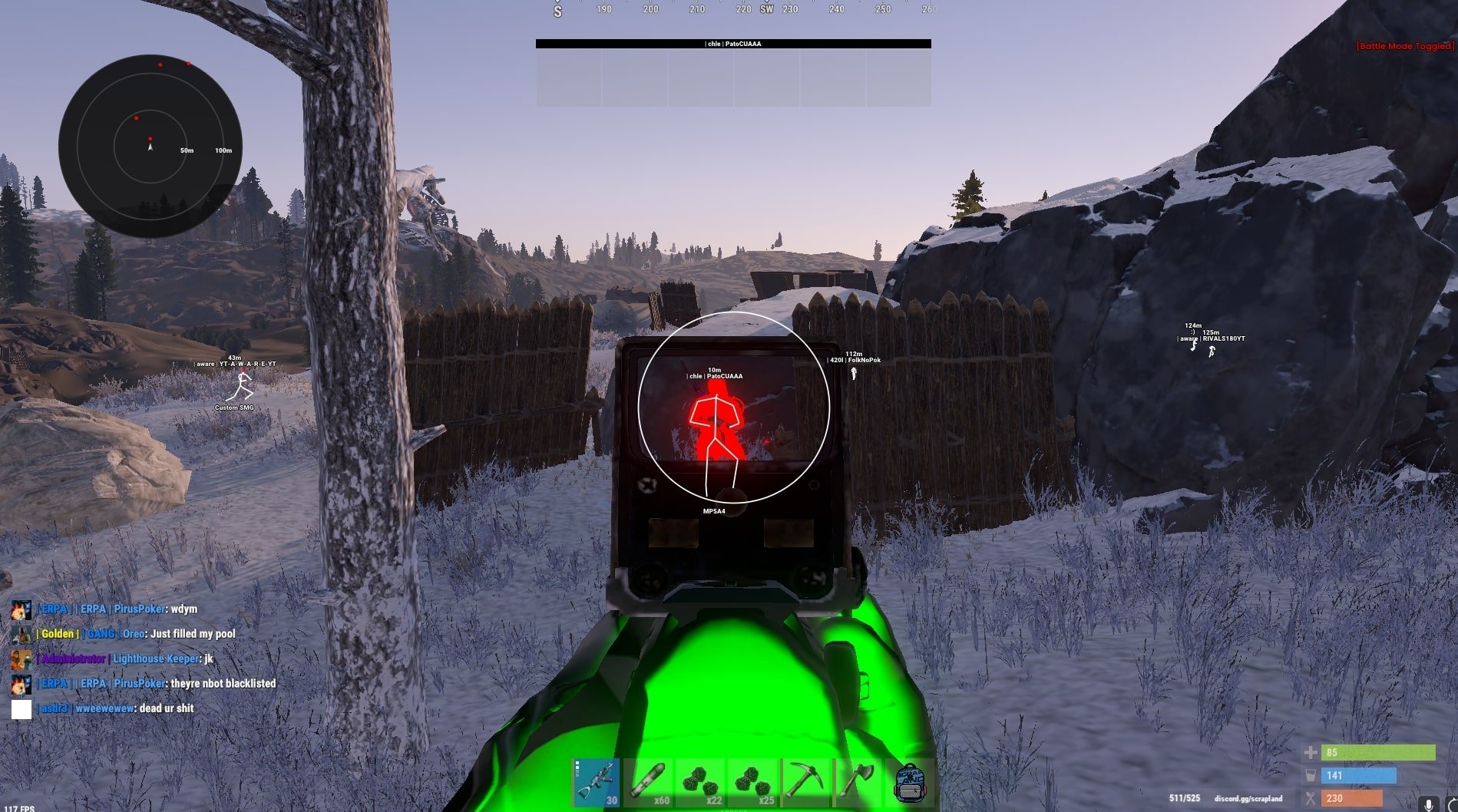
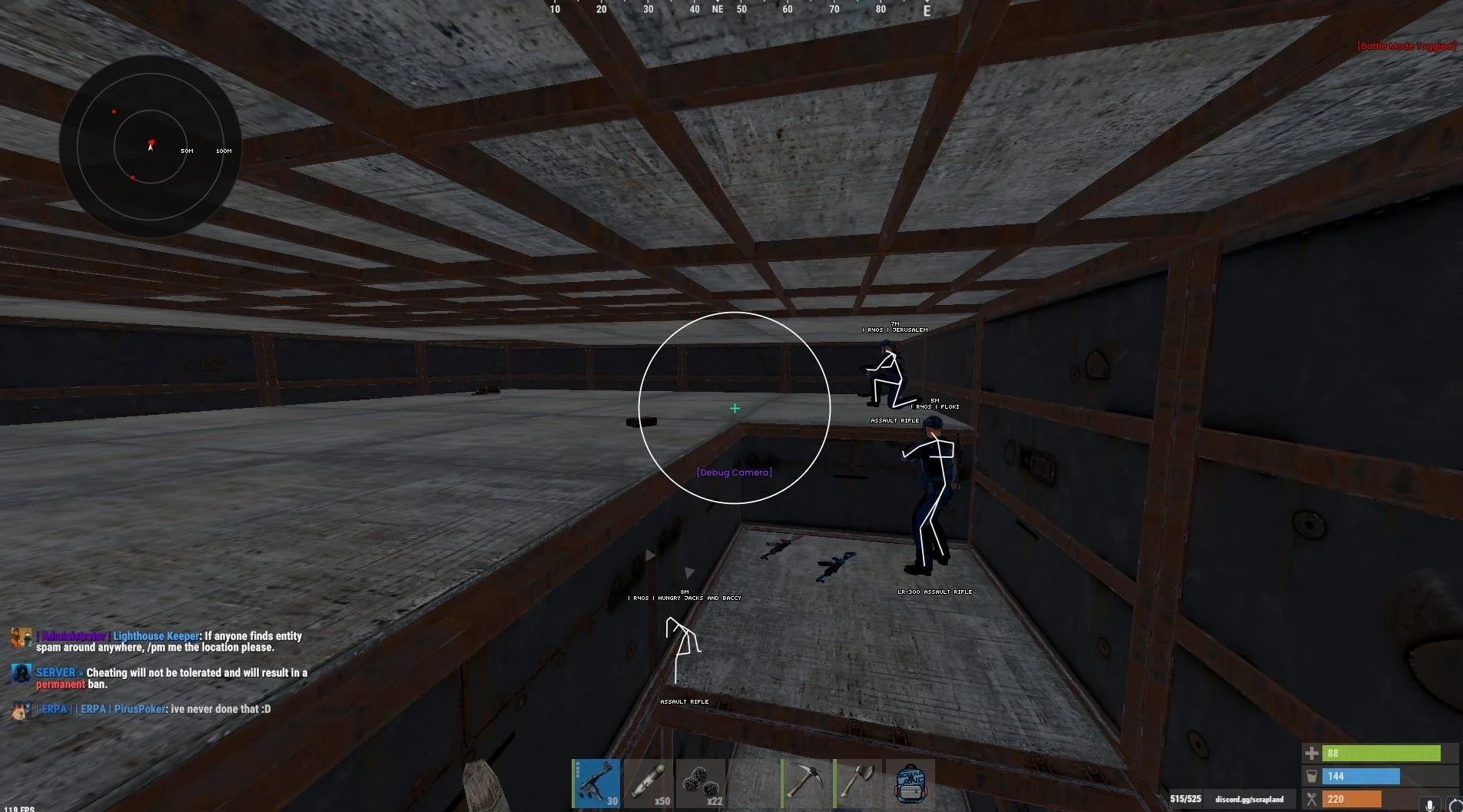
Explore features: https://forum.klar.gg/topic/1910-rust/#comment-3150
Check Product Status Before Purchasing!